The web, arranged the way you think
Web Canvas is a browser built on an infinite canvas instead of tabs. Open as many windows as a subject needs, put them where they belong, and keep the whole thing in one view.



What you get instead of tabs
A canvas that keeps going
Put a subject somewhere and it stays put, so finding it again means remembering where you left it rather than reading a row of favicons.
- Pan and zoom freely across the workspace
- Drag windows anywhere and resize them from the corner
- Turn on a grid to stay oriented once it gets big
- Recenter with one tap to snap back to where you started
- Full-screen mode when you actually want to read
Windows, images, and notes
Everything shares one surface, so a page, the picture you pulled off it, and your note about why it matters can sit together.
- As many browser windows as a subject needs
- Images sit on the canvas next to the page they came from
- Sticky notes for the thought you would otherwise lose
- Connect any two items with a line
- Color code by theme, priority, or status
Sessions that come back
A canvas is worth building only if it survives closing the app. Saved sessions reload exactly as you left them.
- Name a canvas and save it to your library
- Auto-save keeps a saved session current as you work
- Share a session link to reopen that canvas on your device
- Share a URL in from another app and choose where it lands
- History remembers where you have been
Yours to set up
Most of what the app assumes can be changed, from the accent color to which toolbar buttons you keep.
- Pin and reorder the toolbar buttons you use most
- Pick your accent color and your theme
- Choose your default search engine
- Read Mode follows links in place instead of spawning windows
- Light, dark, and system, on iPhone, iPad, and Android

Show how the pieces fit
Ten tabs tell you nothing about how ten pages relate. On a canvas you can put the pages that belong together in the same place, draw a line between the two that depend on each other, and give a thread its own color. Come back a week later and the arrangement still shows what you worked out.
- Open what you needSearch from the bar at the top, paste a URL, or share a link in from another app. Each one opens as its own window on the canvas.
- Draw the connectionsLink any two items to record that one leads to the other. The lines follow the windows when you move them.
- Color the threadsGive a window a color and everything connected below it inherits it, so a whole line of inquiry reads as one group even zoomed all the way out.
A look inside
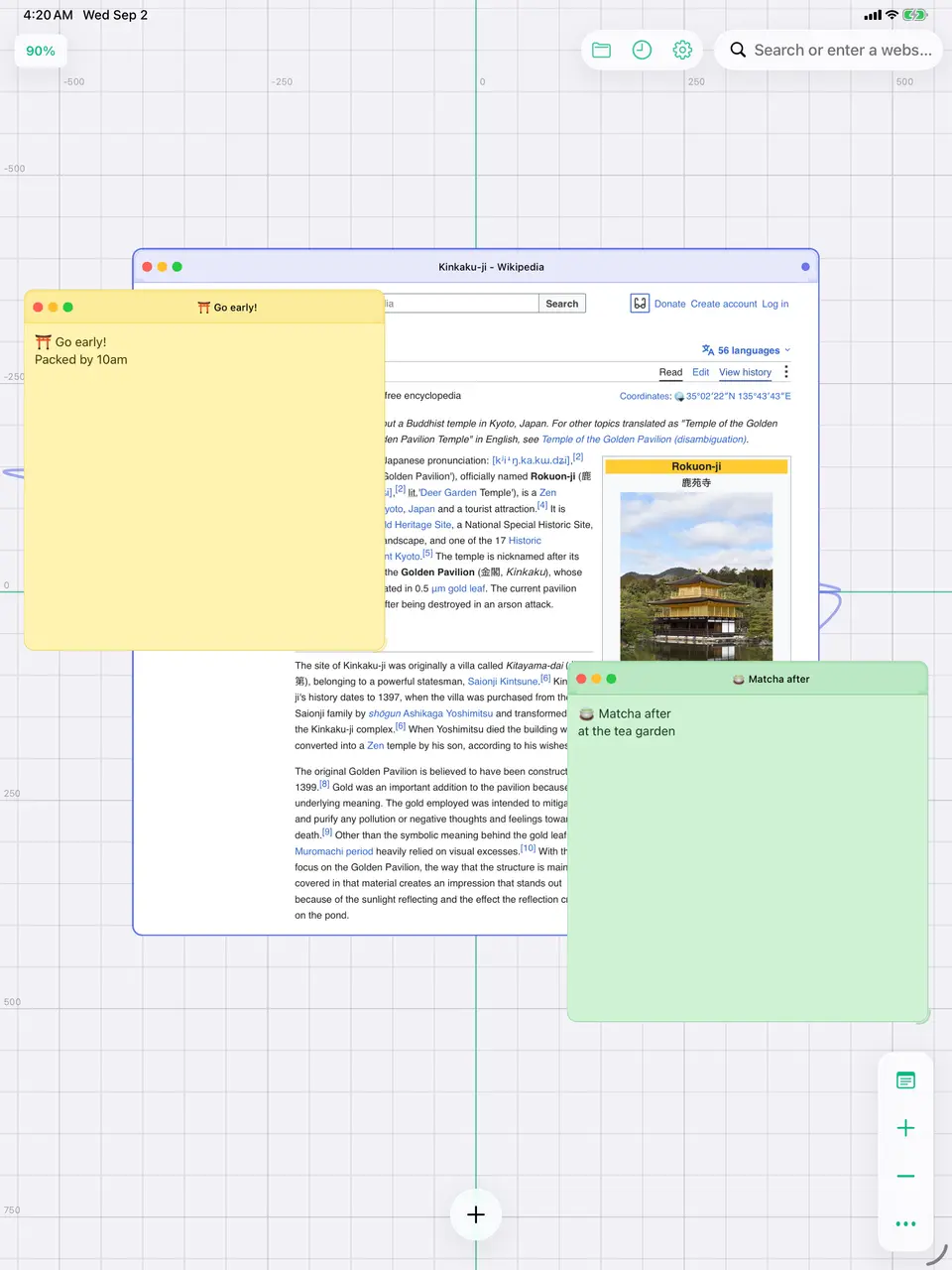
Leave a note next to the site it belongs to
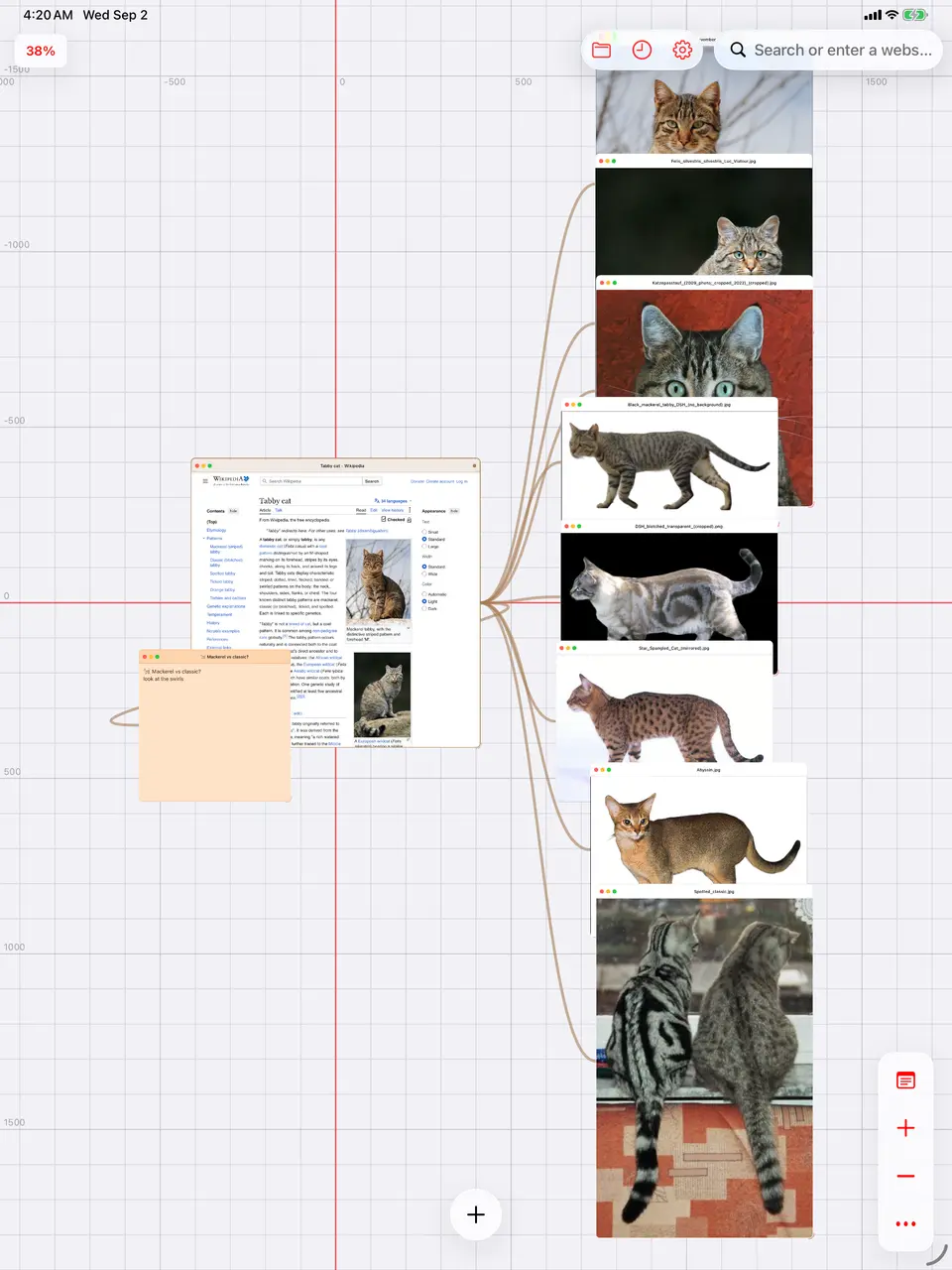
Pull the pictures out of a page and keep them
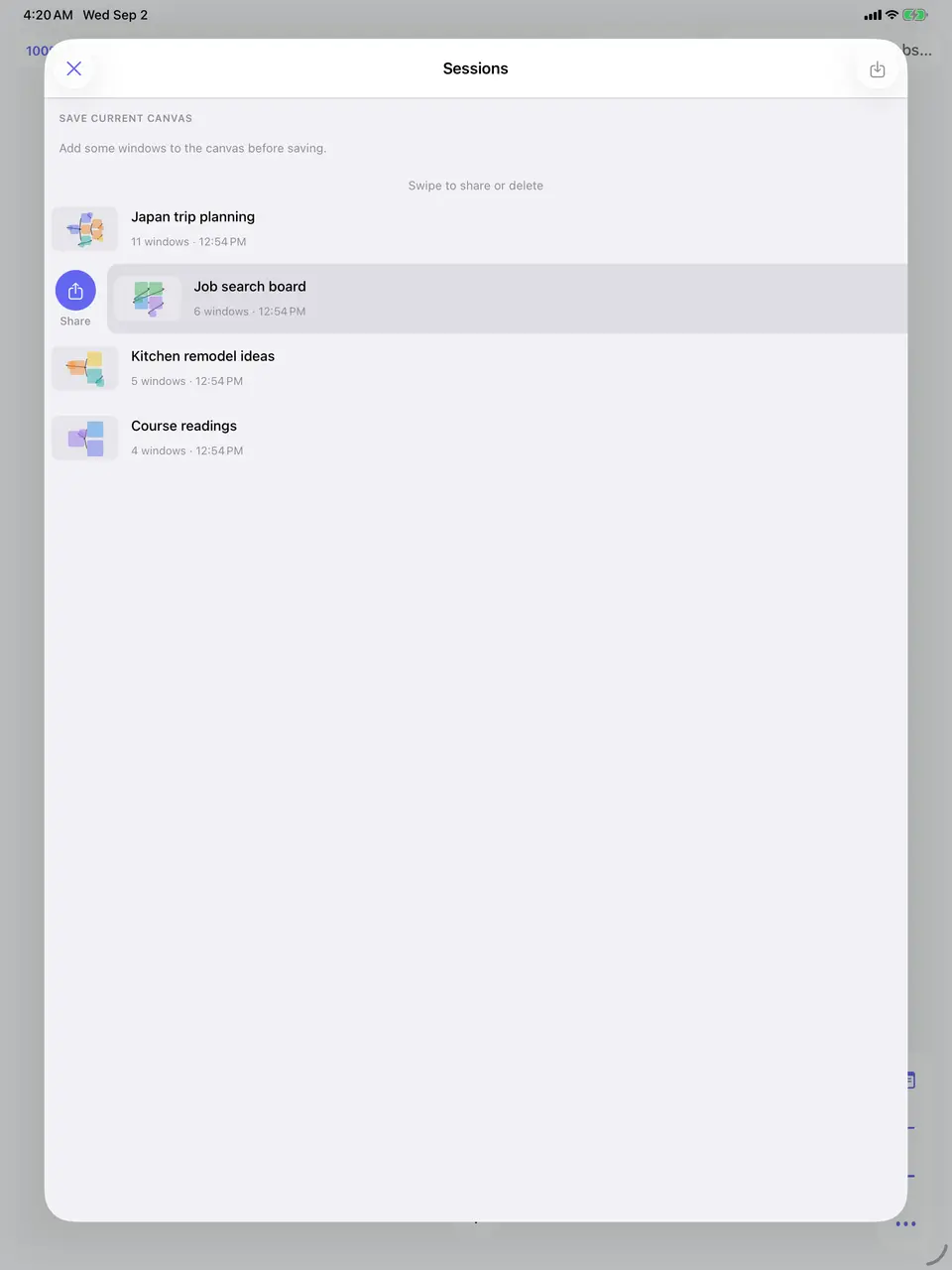
Name a canvas, save it, pick it back up
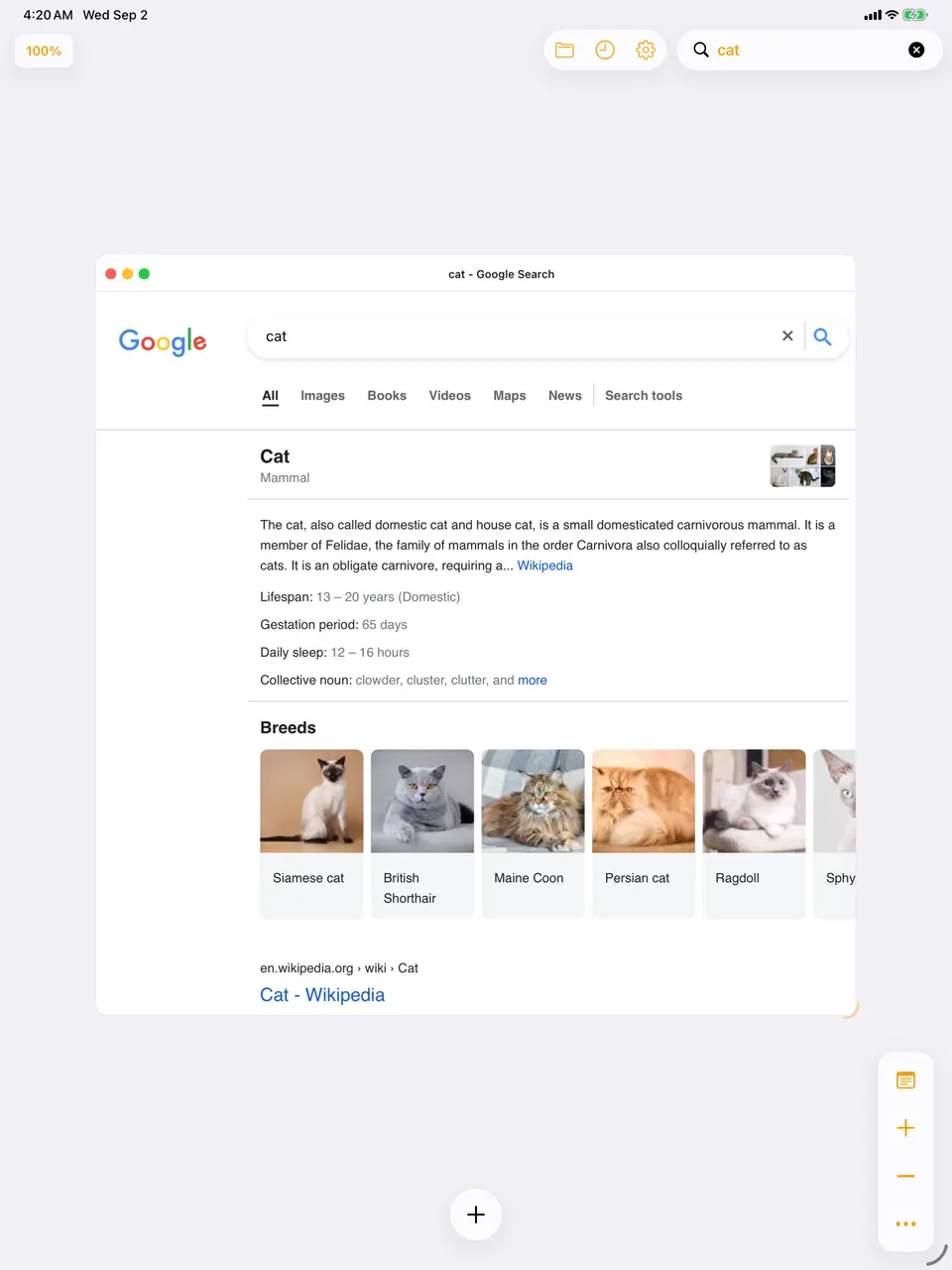
Search from the canvas, land on the canvas


Your canvases stay on your device
Web Canvas has no account and no server holding your work. Sessions, history, and preferences are written to your phone or tablet and stay there. We collect anonymous usage metadata: which features get used, and how often. We never collect the addresses you visit, the text you search for, or the text of your notes.
No account, no sign-up
Open it and start. There is no email to hand over and no password to manage.
Nothing syncs anywhere
Saved sessions live on the device that saved them. A shared session link carries an identifier, and only opens a canvas that device already holds.
What we can see
We can see that a window opened and roughly where from. We cannot see the page, the query, or your notes.
The full detail, including the two services that receive anything at all, is in our privacy policy.
Common questions
Is this a replacement for Safari or Chrome?
For a quick look-up, no. Web Canvas is for the sessions where you end up with fifteen tabs open and lose track of which is which. It is a full browser, so you can live in it if you want to, but it earns its keep on research, planning, and anything you come back to over several days.
How many windows can I put on one canvas?
There is no fixed cap. The practical limit is your device: every window is a live web view, so a canvas with dozens of heavy pages on it will use memory the way dozens of tabs would. Saved sessions reload windows as you need them.
Does my canvas sync between my phone and my iPad?
Not yet. Sessions are stored on the device that saved them, and a shared session link opens a canvas that already exists on the device you tap it on. Sync would need a backend, which the app deliberately does not have today.
What happens to my canvases if I delete the app?
They go with it. Everything is stored locally, so uninstalling removes your saved sessions and history along with the app. Back up your device if that matters to you.
Do you see what I browse?
No. Pages load directly from the sites you visit, the same as any browser, and nothing is proxied through us. The anonymous analytics record how the app is used, such as that a window opened and roughly where from. Full URLs, search text, and note contents are never sent.
Is it on Android?
Yes. Web Canvas is on the App Store and Google Play, and one-finger panning, trackpad gestures, and the toolbar all work on both.
What does it cost?
Nothing. There is no subscription, no in-app purchase, and no advertising.
Can I ask for a feature?
Please do. There is a form on the support page, and the chat there reaches the same inbox as the chat inside the app. Sticky notes, connections, and color coding all came out of that inbox.
Give your next subject some room
Open the thing you have been meaning to look into properly, and put it somewhere you can see all of it at once.